Take control of your collections data

Reduce Complexity and Keep Your System Running Reliably

  • Maintain Consistent, Reliable Data Across Departments
    Standardize how data is entered, structured, and maintained so your collections records remain accurate, complete, and usable over time.
  • Bring Collections Data into One Authoritative System
    Reduce duplication and disconnected records by centralizing collections, media, conservation, and exhibition data in a single source of truth.
  • Support Integrations Without Added Complexity
    Connect your collections system with digital assets, publishing platforms, and other tools while maintaining data consistency and system stability.
  • Control Access and Protect Sensitive Information
    Define user roles and permissions to ensure the right people can access and edit data while maintaining security and compliance.
  • Make Reporting and Data Extraction Easier
    Quickly generate reports and deliver reliable data to curators, registrars, leadership, and external stakeholders without manual workarounds.
Trusted by teams managing complex collections data

Take Control of Your Data and Systems as You Scale

For more than 40 years, Gallery Systems has worked with the world’s leading museums to support the realities of managing collections data at scale. The TMS Suite helps you maintain clean, consistent records while supporting integrations, system performance, and user access across departments. By reducing manual processes and bringing systems together, you can focus on maintaining data quality, supporting your colleagues, and ensuring your collections systems are reliable and ready to grow with your institution.
museum data manager working on updating information.
A connected ecosystem for your collections data

Manage Data, Media, and Access
Across One System

The TMS Suite provides connected applications that help you manage collections data, integrate systems, and support both internal workflows and public access.
Together, these tools give you greater control over how data is structured, shared, and maintained.
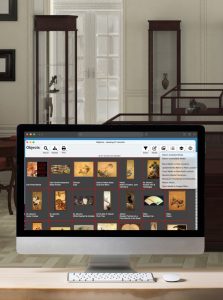
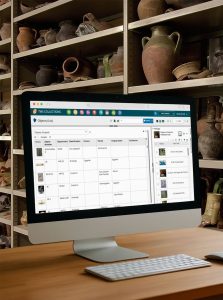
TMS Collections on a computer in a museum

TMS Collections

Manage structured collections data, support cataloguing workflows, and ensure consistency across acquisitions, loans, exhibitions, and object records.

registrar in the exhibition hall at a museum.

TMS Media Studio

Organize and link digital assets to collections data, helping you maintain metadata consistency and reduce duplication across systems.
mockup of emuseum on a computer in a museum office

eMuseum

Publish approved collections data and media online while maintaining control over what is shared and how it is presented.
museum staff member working on installing artwork in exhibition.
Supporting Smarter Collection Management

Articles, Insights & Case Studies

Why Galleries Can No Longer Wait to Modernize Their Gallery Management Software

The Art World’s Technology Reckoning Only 19% of galleries call themselves technology leaders, yet 43% plan to invest more in online sales this year, according to Artsy’s Art Market…

Collective Conversations with Chad Petrovay

Professional Services Specialist, Gallery Systems With a museum career spanning multiple institutions and over a decade partnering with Gallery Systems clients, Chad brings a rare combination of…

One Record for Every Team: Why Integration is the Future of Collections Management

The Hidden Cost of Disconnected Collection Management Software Many institutions manage their collections, exhibitions, conservation records, rights and reproductions, and digital assets across a…

Questions About Collection Management Software?

Find answers to common questions about the collection management software for database managers.

Why do I need collections management software as a database manager?

Database managers are responsible for data accuracy, system performance, and accessibility. A collections management system helps you standardize data, reduce duplication, and support teams across the museum.

What types of data can I manage in the system?

You can manage cataloguing data, provenance, conservation records, exhibition history, loans, acquisitions, digital assets, and user-generated content.

Can the system support integrations with other tools?

Yes. The TMS Suite supports integrations with digital asset management systems, publishing platforms, and other museum technologies.

How does the system support data governance?

It provides structured data fields, user permissions, audit controls, and configurable workflows so you can maintain consistency, security, and accountability.

Can I control user access and permissions?

Yes. You can define roles, manage permissions, and control who can view or edit specific data within the system.

How long does implementation take?

Timelines vary depending on your data and requirements. Many museums begin using the system within several months. For a tailored timeline, please contact the team.
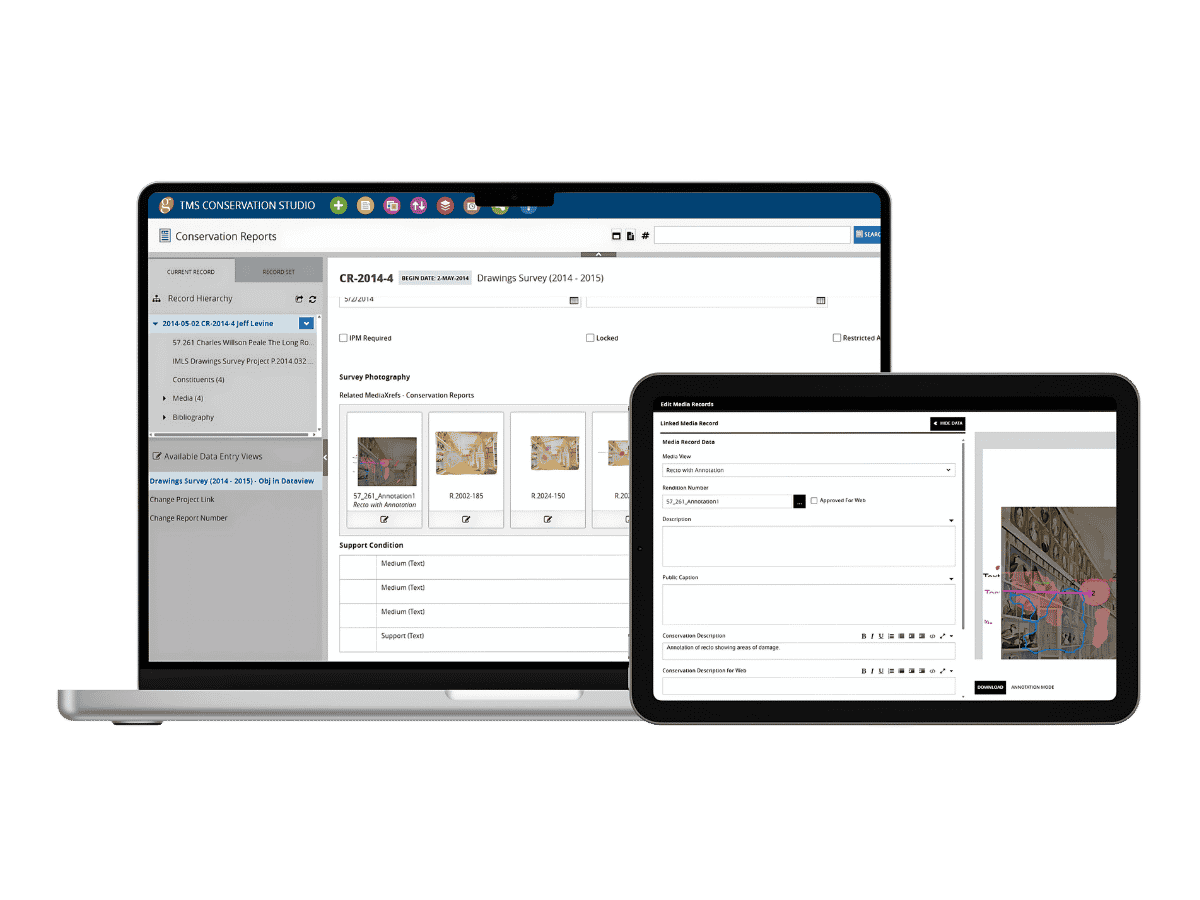

TMS Conservation Studio interface showing conservation reports and linked media records across desktop and tablet devices