Upgrade to TMS Collections
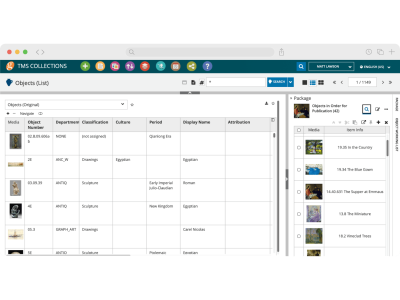
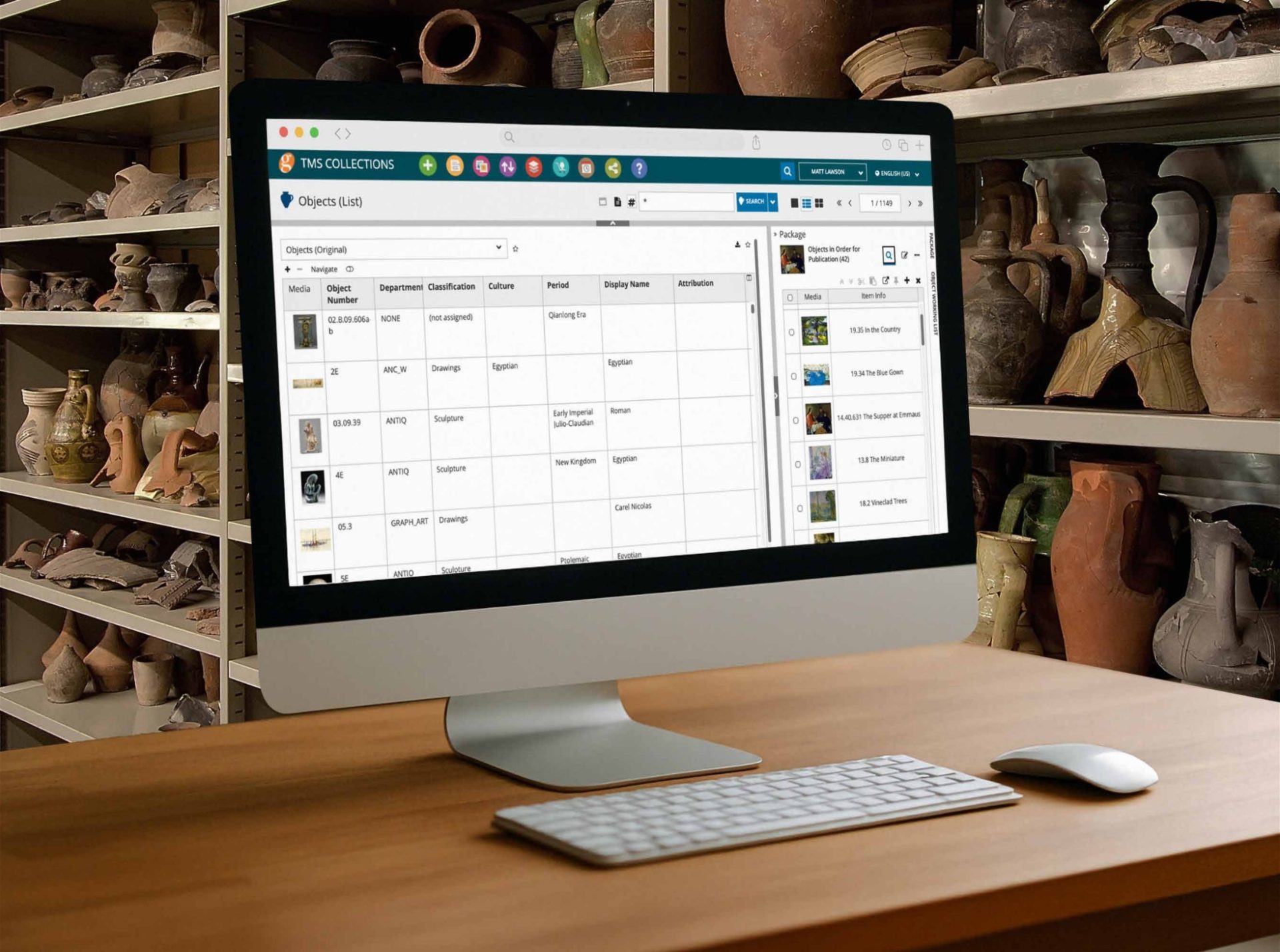
As an EmbARK user, you’re already familiar with the level of service we provide at Gallery Systems. Now, experience the next generation of collections management with TMS Collections. Designed to streamline workflows, enhance collaboration, and improve accessibility, TMS Collections enables you to manage your collection data more effectively than ever before.
Why Choose TMS Collections?
Switching to TMS Collections offers numerous benefits, making it the smarter choice for your collection management needs.
Work Without Limits
Access Anywhere, Anytime
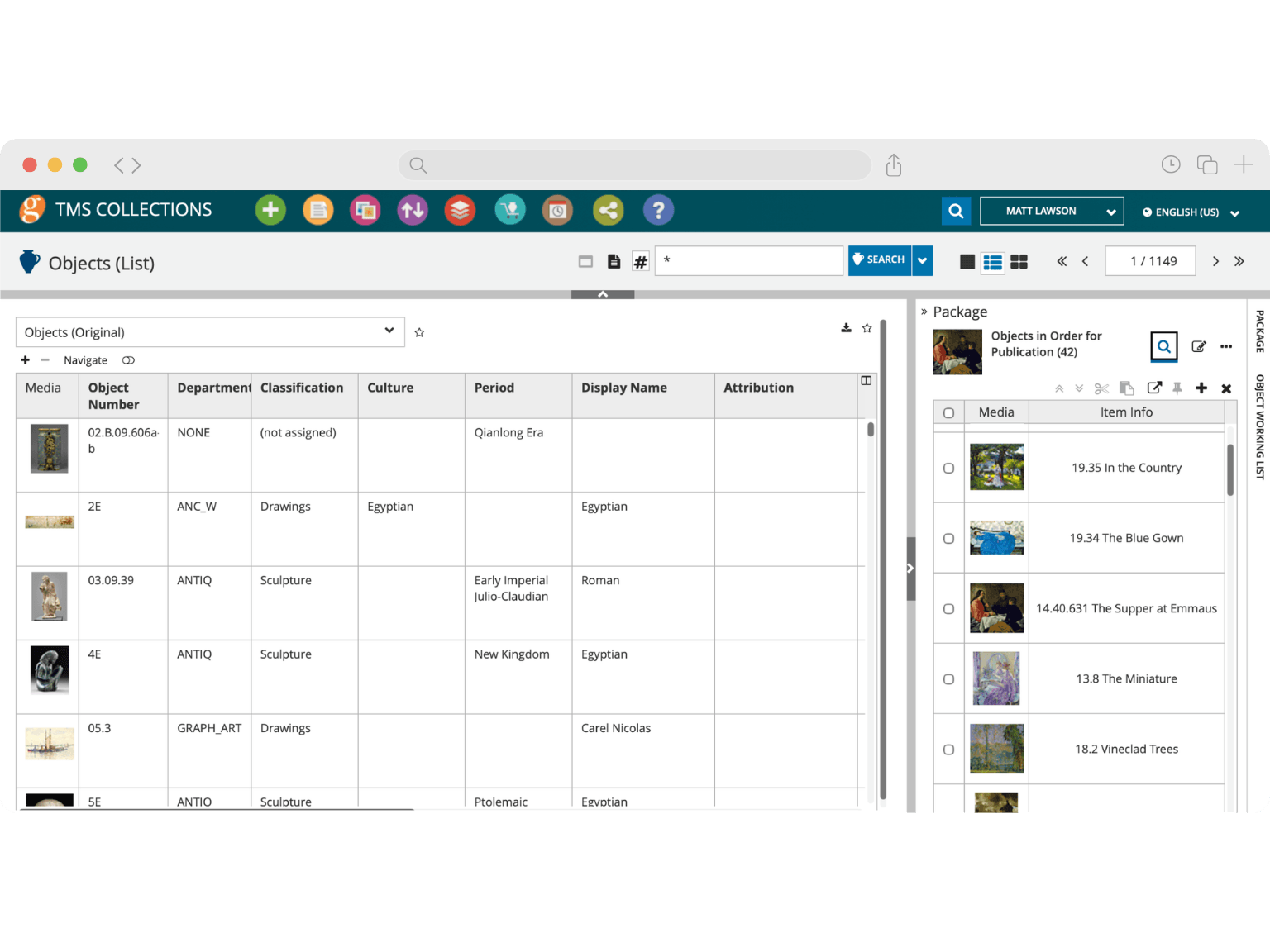
Intuitive Interface
Better Overview and Navigation
Built to Evolve
Effortless Upgrades
Precision That Scales
Advanced Search, Reporting, and Multilingual Support
One Connected Suite
Seamless Integration with the TMS Suite
Find out more to unlock these powerful features and ensure a more efficient and mobile-friendly experience for your collection management.
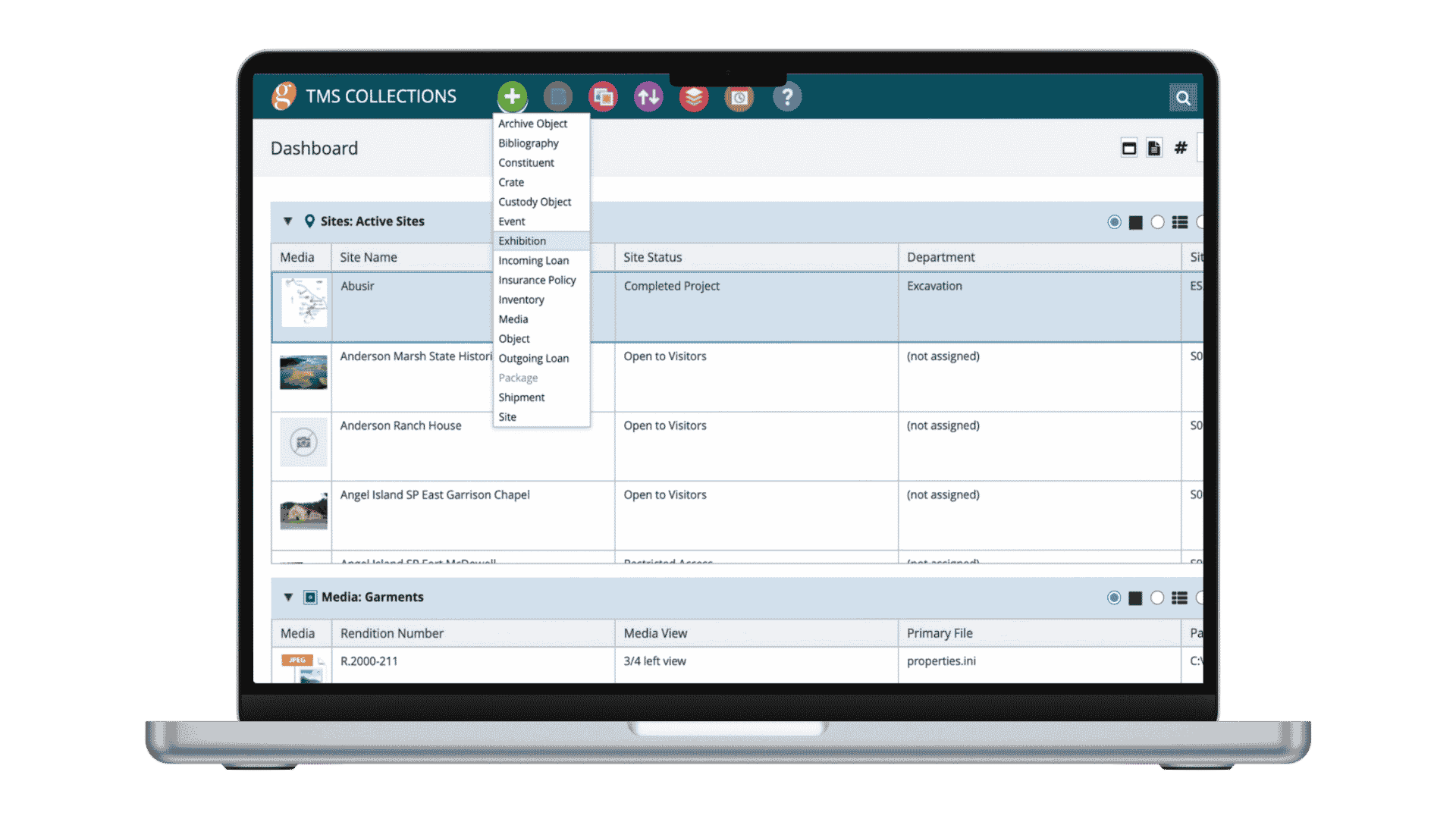
Key Modules in TMS Collections
-
Objects: Capture core cataloguing info, acquisition, locations, and more.
-
Exhibitions: Plan, coordinate, and streamline exhibition workflows with batch updating and flexible management tools.
-
Loans: Track incoming and outgoing loans, including legal and financial info.
-
Shipping: Organize shipments, create crate lists, and manage reports related to object transportation
-
Media: Manage digital assets with drag-and-drop functionality, search documents, compare images, annotate media, and control access.
-
Constituents: Maintain records for artists, donors, borrowers, lenders, staff and other key stakeholders.
-
Insurance: Track policies, coverage, and terms for objects in your collection.
-
TMS Collections has modules not present in EmbARK including Events and Sites. Like EmbARK, it supports the Art and Architecture thesaurus, but also integrates Thesaurus of Geographic Names.
Features that Make a Difference
Every feature in TMS Collections is designed to support your institution’s daily operations, from streamlined data management to industry-standard compliance and robust security. Explore the tools that set TMS Collections apart.
-
Fully Web-BasedTMS Collections runs in your browser, on both Windows and Mac platforms.
-
Batch Data ImportImport data quickly using Excel files for rapid cataloguing. Import data using the import/updater tool to refresh records or create new ones.
-
Standards ComplianceTMS Collections adheres to international standards like SPECTRUM, CCO, and CHIN, ensuring your data is always compliant.
-
Security & BackupWith Managed Hosting, you can ensure your data is always safe and up-to-date, with automatic backups and strict security protocols.
Articles, Insights & Case Studies
Collective Conversations with Chad Petrovay
Professional Services Specialist, Gallery Systems With a museum career spanning multiple institutions and over a decade partnering with Gallery Systems clients, Chad brings a rare combination of…
One Record for Every Team: Why Integration is the Future of Collections Management
The Hidden Cost of Disconnected Collection Management Software Many institutions manage their collections, exhibitions, conservation records, rights and reproductions, and digital assets across a…
The National Art Museum of Mexico City Case Study
The National Art Museum of Mexico City is dedicated to ensuring that visitors can experience its collections both in person and through digital platforms. Spanning the 16th through 20th…
Aberdeen Archives, Gallery & Museums Case Study
At the center of this operation is Thomas Megaw, Lead Curator (Collections Management), who oversees documentation workflows and collection access across the city’s public-facing and purpose-built…
Collective Conversations with Chad Petrovay
Professional Services Specialist, Gallery Systems With a museum career spanning multiple institutions and over a decade partnering with Gallery Systems clients, Chad brings a rare combination of…
One Record for Every Team: Why Integration is the Future of Collections Management
The Hidden Cost of Disconnected Collection Management Software Many institutions manage their collections, exhibitions, conservation records, rights and reproductions, and digital assets across a…
Migrating to TMS Collections
Migrating to TMS Collections is easy with the help of our experienced implementation team. We’ll work with you to analyze your data and configure the system to match your museum’s data entry needs, ensuring a smooth transition. Whether you choose to have Gallery Systems manage your hosting or prefer to work with your own IT team, we’re here to support every step of the process.
In addition to setup, we provide user training for both administrators and end users. Optional services, such as report customization, are also available to ensure everything is tailored to your requirements.
Comprehensive Implementation Support
-
Conversion: Your EmbARK database is analyzed to align with TMS Collections then a test migration is run for your hands-on review. Based on the test, refinements are made to ensure a smooth implementation.
-
Configuration: Our experts will configure TMS Collections to fit your collection’s needs, customizing data entry forms and workflows.
-
Training: Whether you need basic or advanced training, we offer comprehensive sessions for both end users and power users. Training can be done onsite or remotely for convenience.
-
Managed Hosting: For a simplified implementation, consider Managed Hosting. Let us handle your technical setup, so you can focus on the collection.
-
Alternative to Web Kiosk: If you currently use EmbARK Web Kiosk, we offer a seamless upgrade path to eMuseum. Our team will guide you through the transition, unlocking powerful new features for web publishing and audience engagement.
Professional Services Support
Transitioning to TMS Collections is a smooth process, tailored to your institution’s specific needs. Whether you require standard setup or have highly customized workflows, our team will work closely with you to ensure a seamless migration. We assess your unique requirements and ensure full compatibility, including integration with other systems like eMuseum, TMS Conservation Studio, or TMS Media Studio.
We’re here to support you every step of the way—our implementation team, along with your account manager, will help determine the right level of service, from installation to training. Simply set up a call with your account manager to get started, and we’ll ensure a smooth transition tailored to your institution’s needs.

Hosting Without the Hassle
Your data is stored securely on enterprise-class servers, continually backed up in a state-of-the-art, highly secure data center.
-
No Hardware Costs: With Managed Hosting, you avoid the costs of purchasing and maintaining server hardware. We take care of everything, saving you significant costs and reducing the need for in-house IT infrastructure.
-
Effortless Upgrades: With Managed Hosting, your applications are automatically updated to the latest, most secure, and feature-rich versions, free of charge. Stay current without lifting a finger.
-
Automatic Backups: Your data is regularly backed up and stored across multiple secure locations for redundancy. We use mirrored servers to protect against hardware failures. Your data is safe with us.
-
Secure Access: We ensure that your data remains secure. Our infrastructure is regularly updated with the latest security patches, and all network traffic is protected behind an enterprise-class firewall. We continuously monitor the health of your system so you can focus on collections management.
-
Own Your Data: Your data is always yours. We protect your collections data and make it accessible only to your authorized users. Periodic backup files are available for archival purposes, and we work with you to enforce your security and connectivity rules.