Made for complex museum media

Digital Asset Management for Cultural Institutions

  • Centralized Media Management
    Organize images, video, audio files, and documents within a single digital asset management system designed specifically for museums.
  • Connect Media Directly to Collection Records
    Link digital assets to objects, exhibitions, and conservation documentation to maintain context and ensure accurate documentation.
  • Streamline Media Workflows
    Manage photography requests, image uploads, metadata updates, and media organization through structured workflows designed for museum teams.
  • Collaborate Across Departments
    Provide curators, registrars, marketing teams, and digital staff with shared access to media assets while maintaining clear permissions and governance.
  • Preserve and Protect Digital Assets
    Secure storage and controlled access ensure digital files remain protected while supporting long-term digital preservation strategies.
Trusted by museums worldwide

Digital Asset Management Designed for Cultural Collections

Gallery Systems has spent more than four decades working with museums to develop digital tools that support the management and preservation of collection media.

Used by institutions that rely on consistent documentation and reliable access to digital assets.
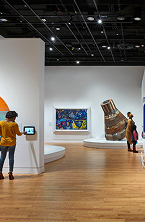
Visitors exploring a bright gallery space lined with densely hung framed works and a central sculptural plinth
Digital Asset Management for Collections

Streamline Media Workflows with TMS Media Studio

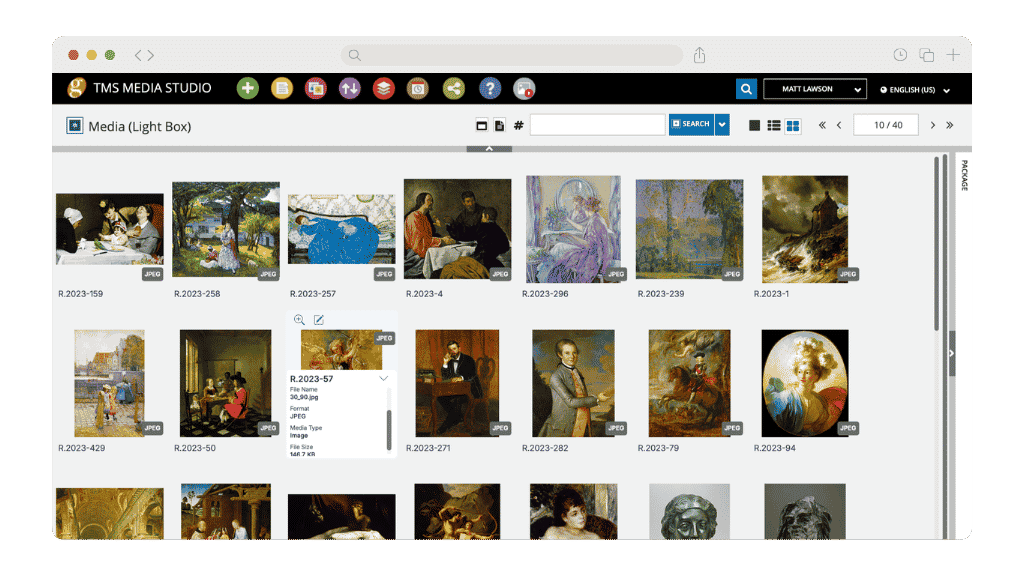
TMS Media Studio is a digital asset management system designed specifically for museums, enabling teams to manage, connect, and deliver media assets seamlessly across collections, conservation, and public-facing workflows.

  • Batch Import & Metadata: Ingest and tag assets efficiently.
  • Advanced Search: Find assets quickly with metadata and filters.
  • Collections Linking: Connect media directly to object records.
  • Rights Management: Control access and usage permissions.
  • App Companion: Capture and upload media directly from mobile to TMS Media Studio.
TMS Media Studio light box view displaying a grid of collection images with file metadata and format details visible in a browser window
An ecosystem for all your media

Connected Tools for Managing Museum
Media and Collections

The TMS Suite connects collections management, digital asset management, conservation documentation, and online publishing within one integrated platform. These tools help museums organize digital media while maintaining strong connections to collections data.
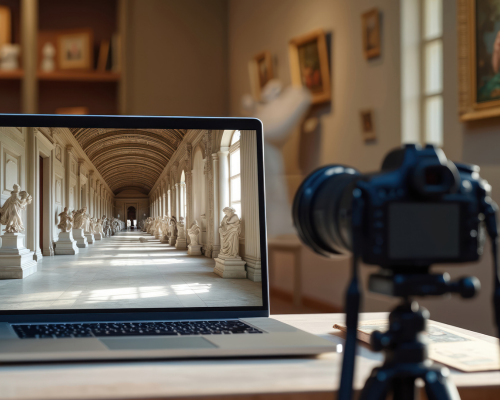
TMS Media Studio on a computer in a museum

TMS Media Studio

TMS Media Studio centralizes and manages digital assets, enabling museums to organize, link, and deliver high-quality media seamlessly across their collections ecosystem.

Collections staff in a lab coat working on a laptop in a natural history storage room lined with shelved specimen jars

The TMS Suite

The TMS Suite is an integrated collections management platform that supports the full lifecycle of museum operations, from cataloging and conservation to exhibitions, loans, and reporting.
Preview of a TMS Media Studio downloadable brochure, depicting collections staff overseeing the installation of a framed work in a red-walled gallery
Supporting Smarter Collection Management

Articles, Insights & Case Studies

Why Galleries Can No Longer Wait to Modernize Their Gallery Management Software

The Art World’s Technology Reckoning Only 19% of galleries call themselves technology leaders, yet 43% plan to invest more in online sales this year, according to Artsy’s Art Market…

Collective Conversations with Chad Petrovay

Professional Services Specialist, Gallery Systems With a museum career spanning multiple institutions and over a decade partnering with Gallery Systems clients, Chad brings a rare combination of…

One Record for Every Team: Why Integration is the Future of Collections Management

The Hidden Cost of Disconnected Collection Management Software Many institutions manage their collections, exhibitions, conservation records, rights and reproductions, and digital assets across a…

Questions About Digital Asset Management?

Find answers to common questions about the digital asset management.

What is digital asset management for museums?

Digital asset management helps museums organize, store, and manage digital files such as images, video, audio recordings, and documents associated with collection objects.

Why do museums need digital asset management software?

Museums generate large volumes of digital media through photography, research, conservation documentation, and exhibitions. A digital asset management system helps organize these files and maintain connections to collections records.

What types of files can be managed in a digital asset management system?

Digital asset management systems can manage images, video, audio files, 3D images, documents, PDFs, and other multimedia associated with collections and exhibitions.

How does digital asset management integrate with collections management systems?

Many systems link digital assets directly to collection records so that images, media files, and documentation remain connected to objects and related collections data. TMS Media Studio connects to TMS Collections with their shared database, meaning no more going back and forth with manual edits.

Who uses digital asset management systems in museums?

Digital asset management systems are used by collections managers, registrars, curators, photographers, conservation teams, marketing departments, and digital engagement teams.

How much does digital asset management software cost?

Pricing varies depending on institutional requirements, number of users, amount of data, and implementation needs. Museums can request a tailored proposal for their organization.
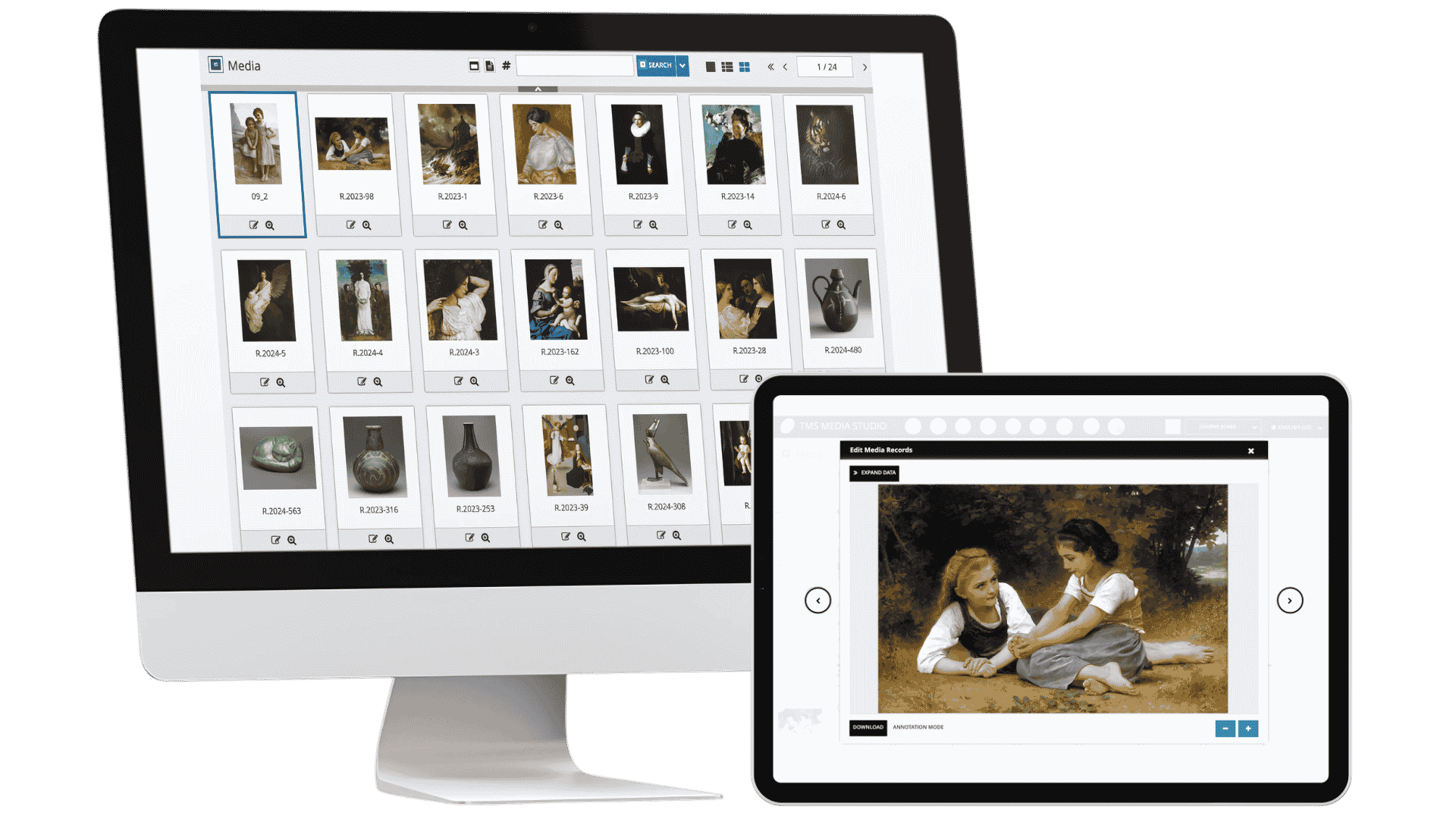

TMS Media Studio displayed on a desktop monitor and tablet, showing a media grid and individual asset record for collections digital asset management.